.svg)
.svg)
.svg)

.svg)


.svg)
.svg)

.svg)





Complete package available
Combine all services and save up to 20% with a bundle package.
Many restaurants work with several delivery portals simultaneously and have different tablets for Lieferando, Wolt, and Uber Eats. You lose control – precisely when your business is doing best.
Guests wait for staff and order less or leave
Staff are stressed and make ordering errors
You sell fewer dishes because there's no time for recommendations
Language barriers lead to ordering errors
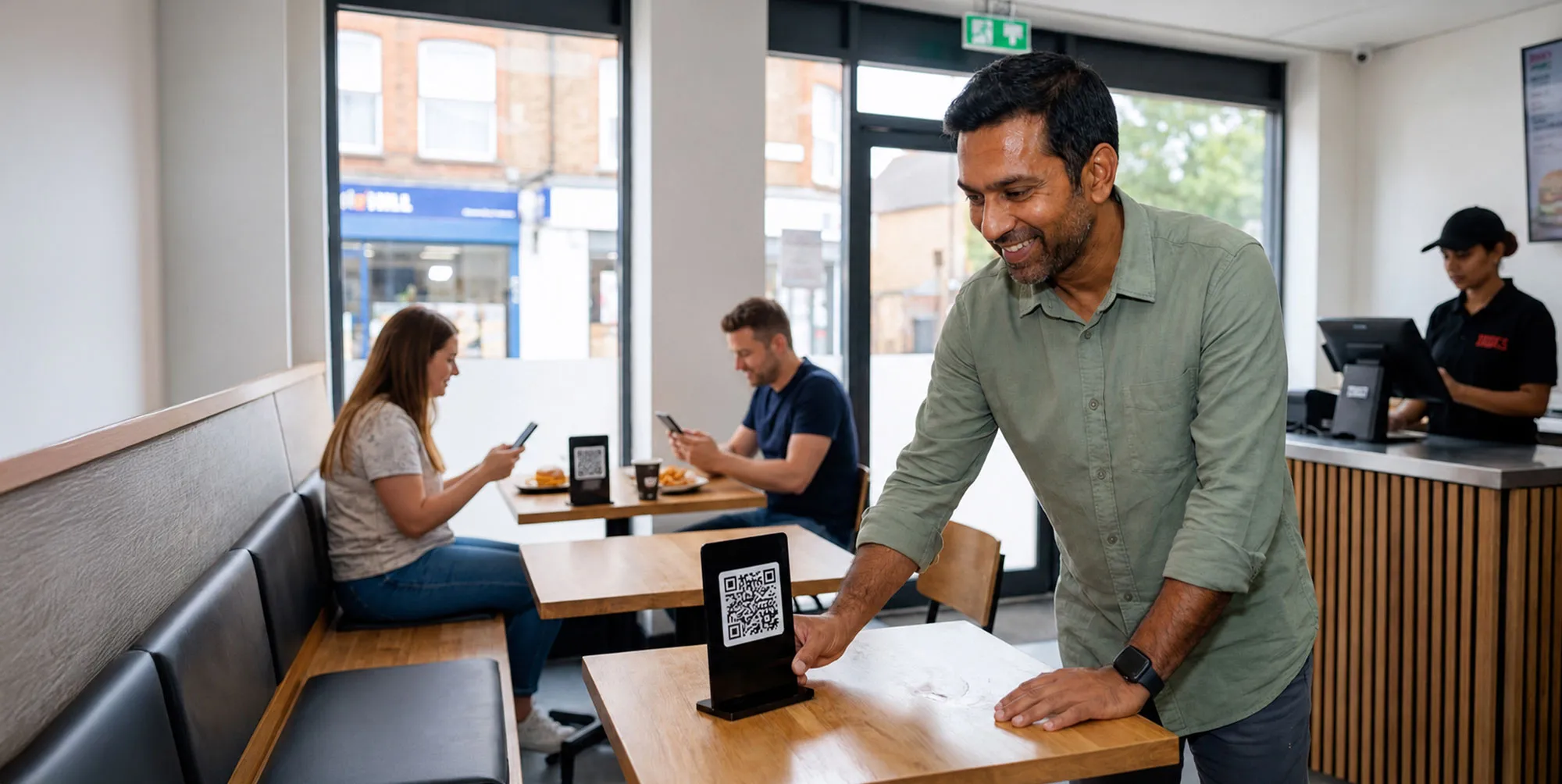
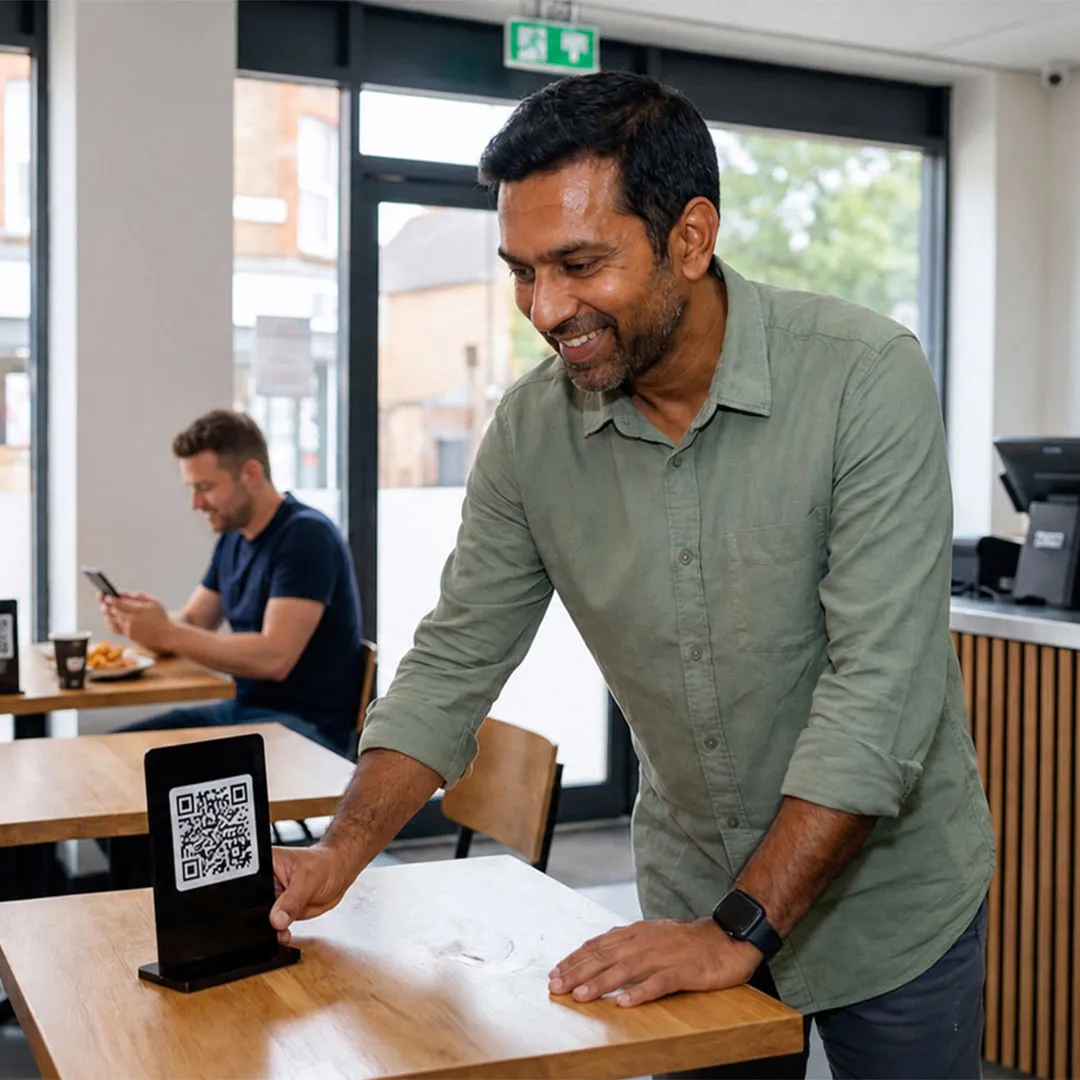
Enable your guests to order at the table via smartphone and pay cashless. With our QR code ordering system, you relieve the service staff and increase revenue through additional sales via the digital menu.

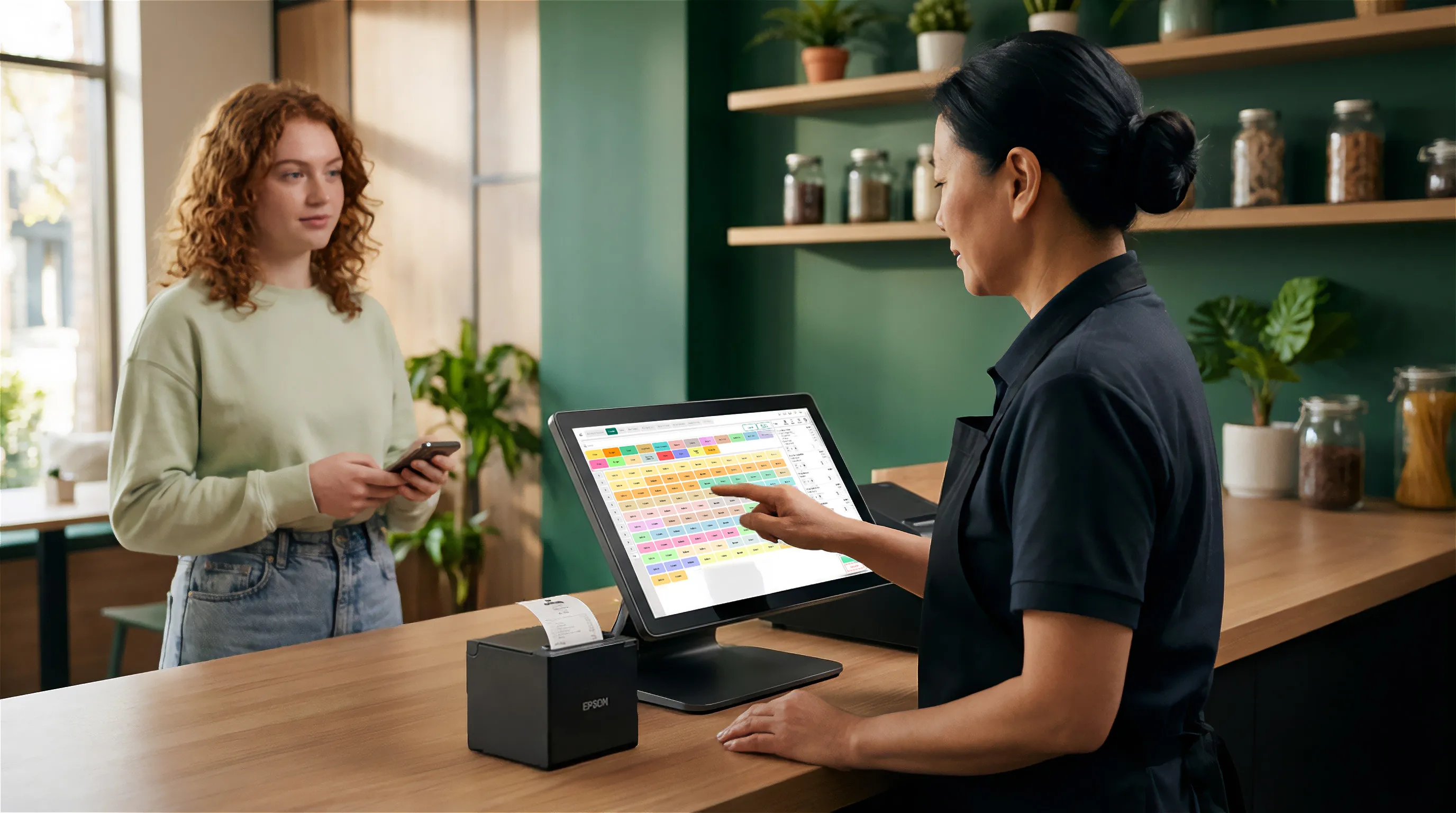
POS System Integration. All orders are automatically fed into the SIDES POS system via an interface, assigned to the respective table, and directly forwarded to the kitchen and the SIDES kitchen display. This means you don't have to manually transfer orders and you avoid errors caused by double-entry.
POS System Integration. All orders are automatically fed into the SIDES POS system via an interface, assigned to the respective table, and directly forwarded to the kitchen and the SIDES kitchen display. This means you don't have to manually transfer orders and you avoid errors caused by double-entry.

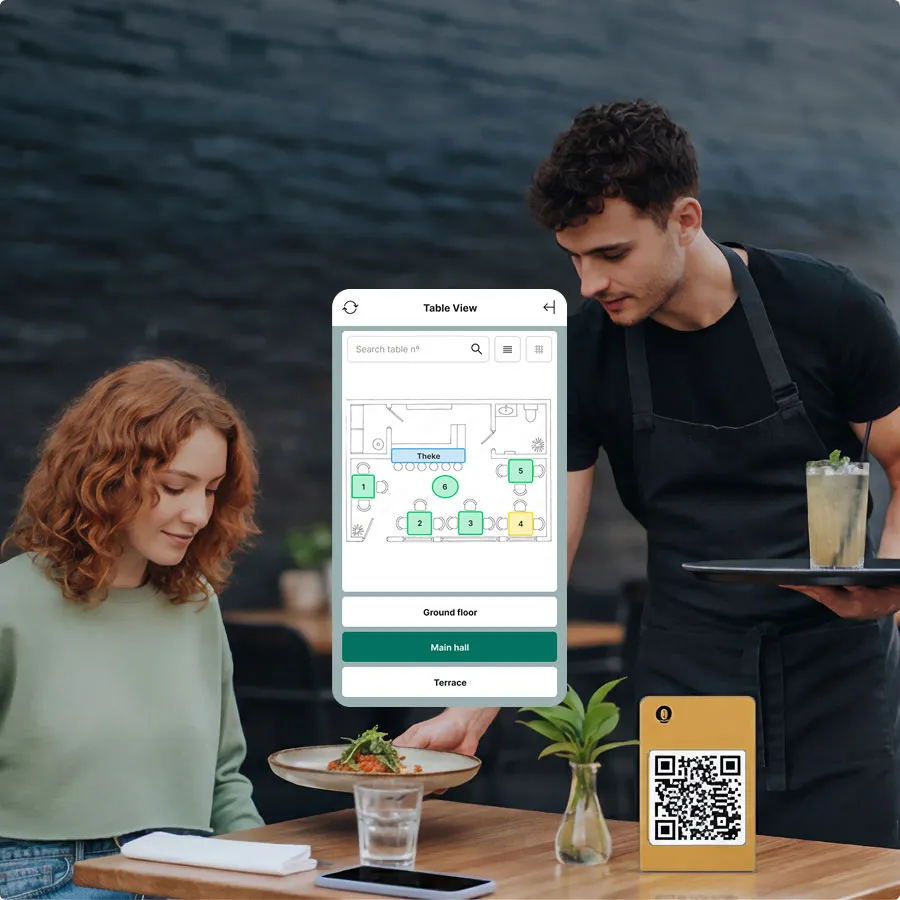
Table Management & Order Status. Your service team sees all ongoing table orders at a glance – who has ordered, who is waiting, and who still needs to pay. Less running around, more overview, better service. At the same time, your guests can track the status of their order live on their smartphone and know exactly when their order is ready and they can eat.
Table Management & Order Status. Your service team sees all ongoing table orders at a glance – who has ordered, who is waiting, and who still needs to pay. Less running around, more overview, better service. At the same time, your guests can track the status of their order live on their smartphone and know exactly when their order is ready and they can eat.
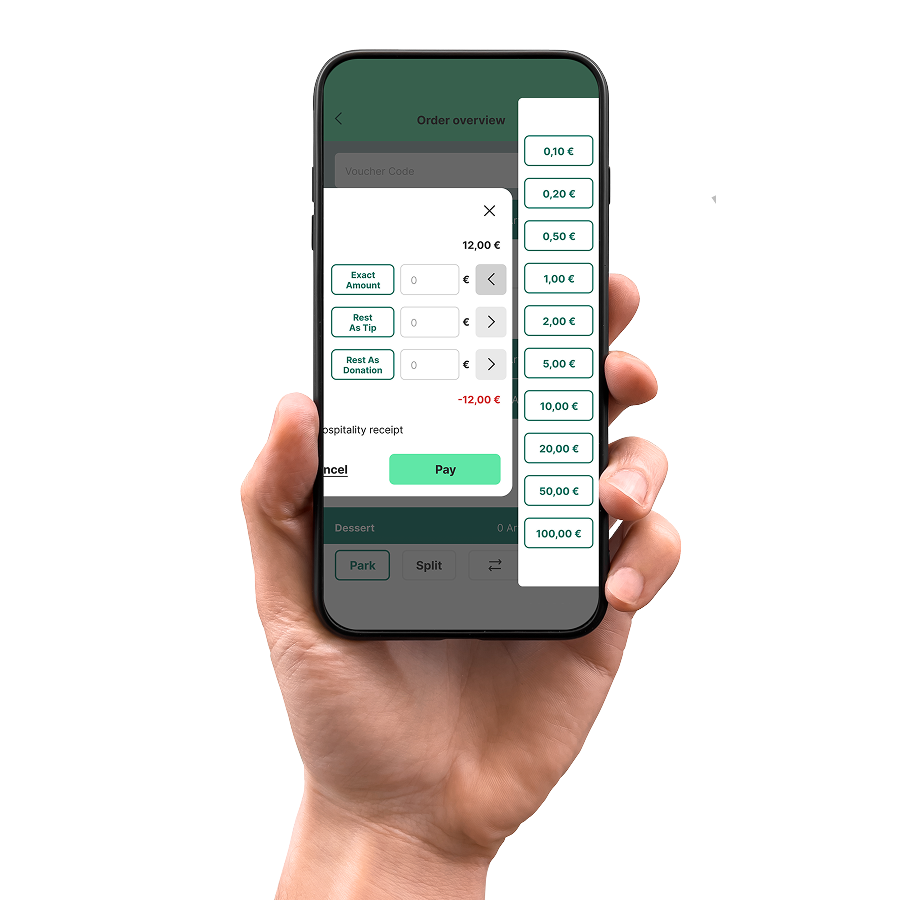
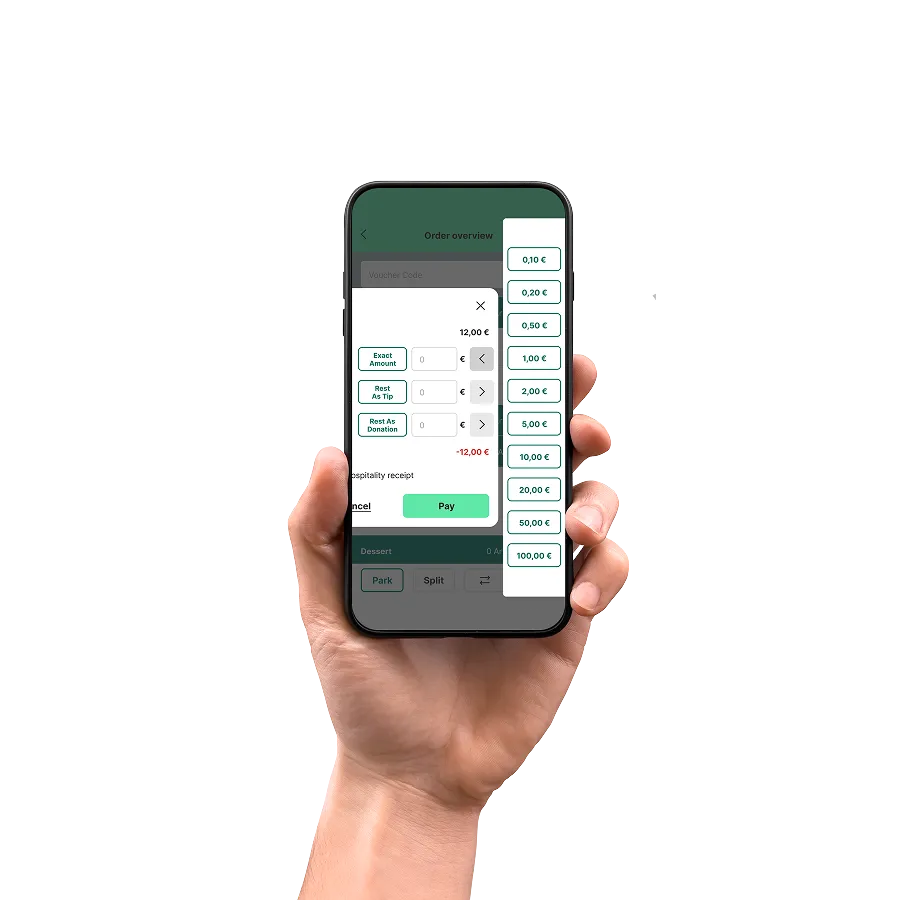
Cashless Payment. By connecting to our SIDES Pay payment system, your guests can pay for their order contactlessly and digitally, and also leave a tip. All common payment providers are integrated into SIDES Pay: Mastercard, Visa, Maestro, V Pay, Amex, Diners, Apple Pay, Google Pay, Giropay, PayPal, SOFORT, and SEPA Direct Debit. This speeds up processes and reduces service effort. Alternatively, guests can also pay with cash.
Cashless Payment. By connecting to our SIDES Pay payment system, your guests can pay for their order contactlessly and digitally, and also leave a tip. All common payment providers are integrated into SIDES Pay: Mastercard, Visa, Maestro, V Pay, Amex, Diners, Apple Pay, Google Pay, Giropay, PayPal, SOFORT, and SEPA Direct Debit. This speeds up processes and reduces service effort. Alternatively, guests can also pay with cash.
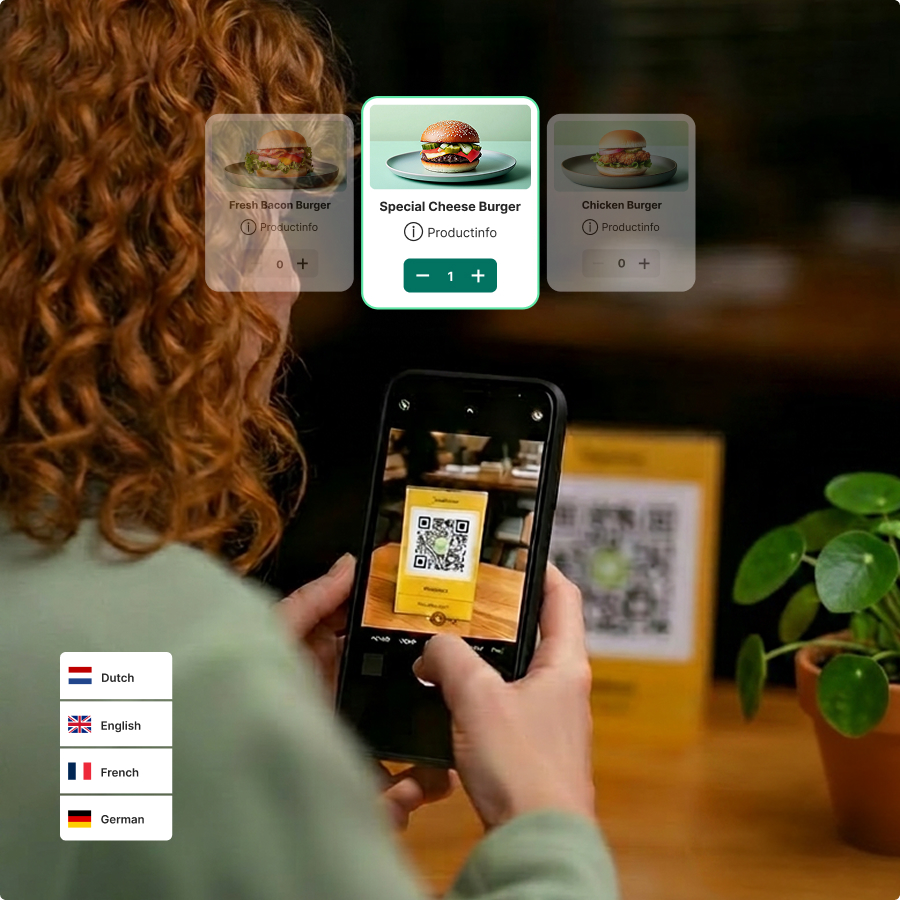
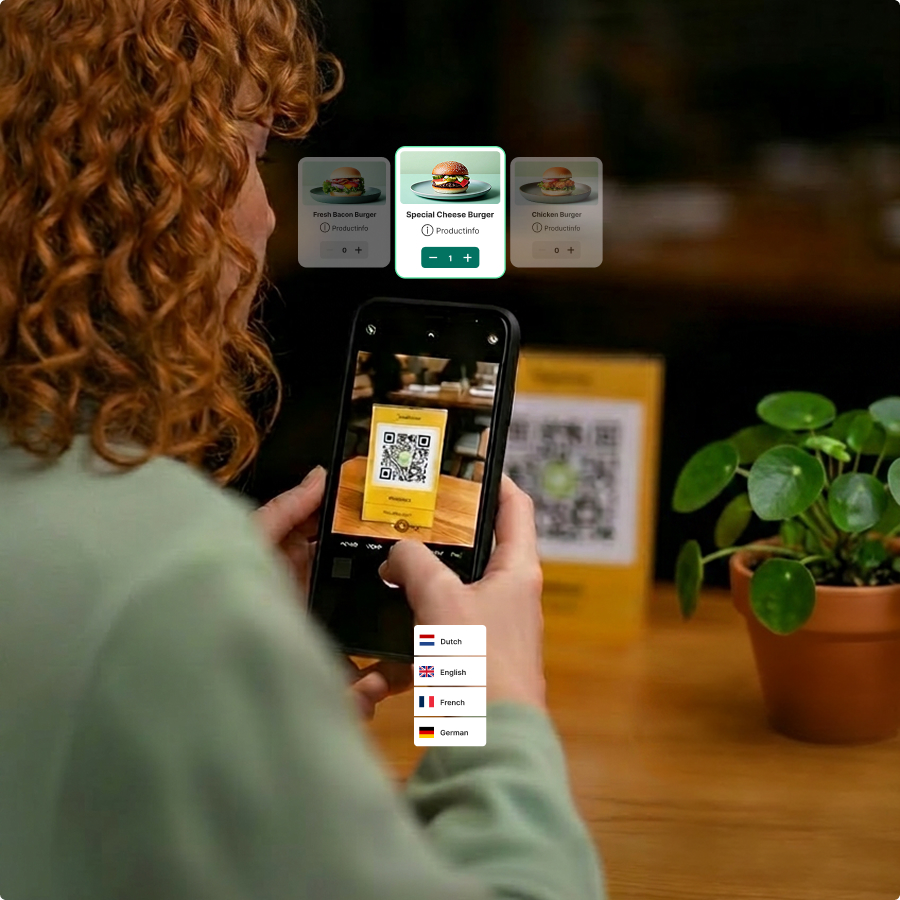
Digital Menu. Your guests scan the QR code with their smartphone camera and are immediately directed to the digital menu, which is designed in your restaurant's branding. No app or registration is required. The menu works on any phone and operating system. The menu can also be easily offered in multiple languages, allowing guests to select their preferred language directly within the ordering interface.
Digital Menu. Your guests scan the QR code with their smartphone camera and are immediately directed to the digital menu, which is designed in your restaurant's branding. No app or registration is required. The menu works on any phone and operating system. The menu can also be easily offered in multiple languages, allowing guests to select their preferred language directly within the ordering interface.

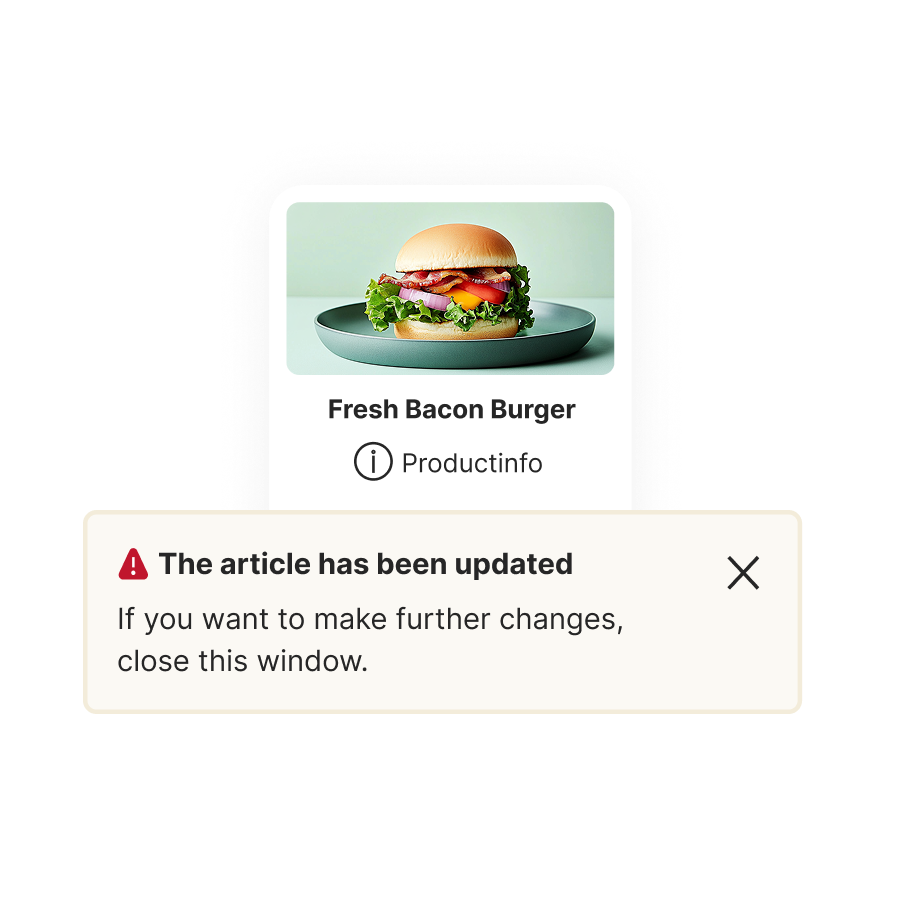
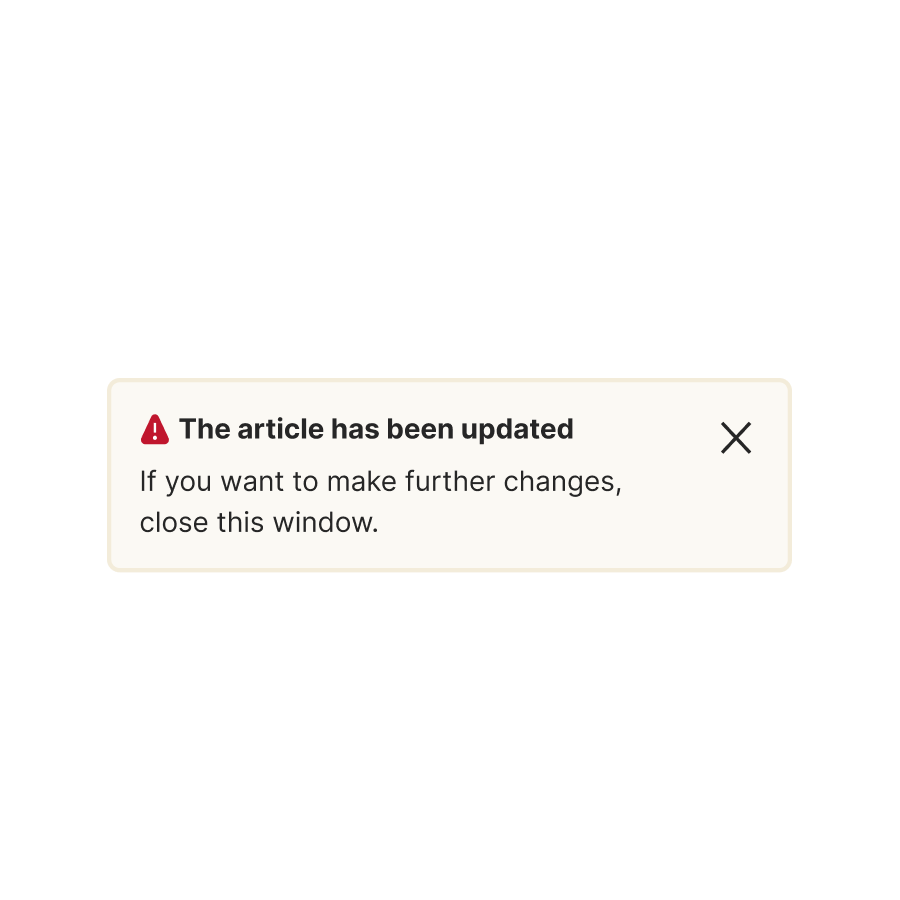
Updates. You can easily manage your menu and change your dishes, prices, photos, and allergy information as you wish, add new items, or remove non-functional ones. This means that short-term changes, updates, or other adjustments are transmitted in real-time. No reprinting, no outdated PDFs!
Updates. You can easily manage your menu and change your dishes, prices, photos, and allergy information as you wish, add new items, or remove non-functional ones. This means that short-term changes, updates, or other adjustments are transmitted in real-time. No reprinting, no outdated PDFs!
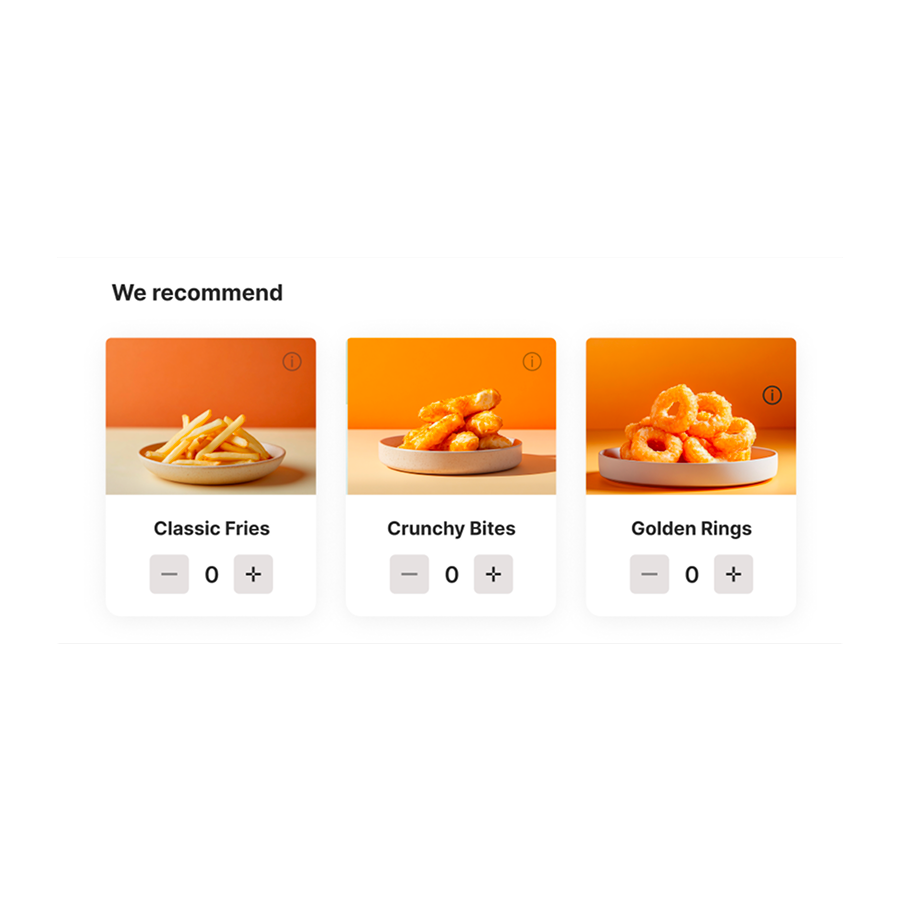
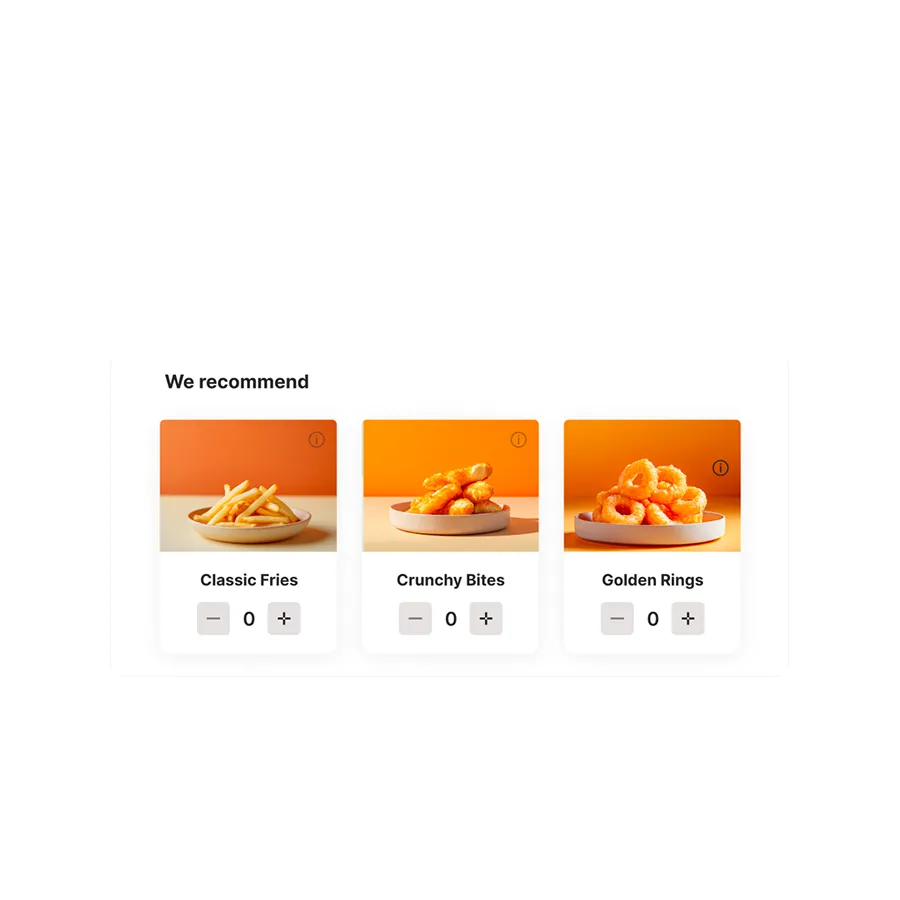
Upselling. In the digital menu, you can automatically set up suitable extras, menus, and add-ons that are displayed to your guests when they select certain dishes. This demonstrably increases the average order value – without additional effort for your service staff.
Upselling. In the digital menu, you can automatically set up suitable extras, menus, and add-ons that are displayed to your guests when they select certain dishes. This demonstrably increases the average order value – without additional effort for your service staff.


Statistics. The integrated statistics tool provides you with a comprehensive analysis of your dishes' performance. You can track and analyze your guests' ordering behavior, optimize your offerings accordingly, and specifically build customer loyalty with integrated bonus program features.
Statistics. The integrated statistics tool provides you with a comprehensive analysis of your dishes' performance. You can track and analyze your guests' ordering behavior, optimize your offerings accordingly, and specifically build customer loyalty with integrated bonus program features.
A QR code menu is a digital version of your menu that guests can access via smartphone at their table. The QR code – a two-dimensional barcode – is placed on a stand or on the table. The smartphone scans the code and the browser automatically opens the menu.
However, there's a crucial difference that many restaurateurs underestimate: A static QR code menu links to a PDF or a simple website – guests can read it, but not order. It only replaces the printed display.
A digital ordering menu like SIDES goes beyond that: Guests select dishes & extras, add everything to their cart, and send the order – it immediately lands in the POS system and on the kitchen display.
The advantages of a digital menu over printed versions are significant: Changes are live in real-time, allergens and additives can be managed in compliance with legal requirements, photos increase conversion rates, and guests order extras more frequently – because they have time to choose at their leisure without having to wait for a server.
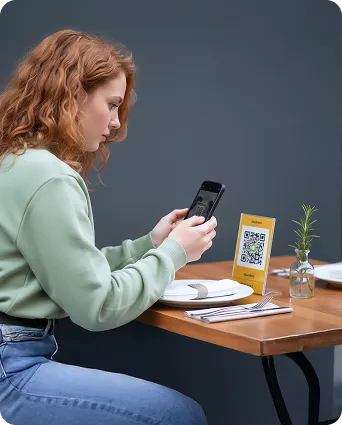

The guest scans the QR code on the table with their camera. The digital menu opens in the browser.
.svg)
Guests can take their time making their selection and reorder as often as they like, without having to wait for staff.
.svg)
The order is transmitted directly to the POS system and then to the kitchen monitor – in real-time.
.svg)
Guests can pay online via the ordering interface on their smartphone. Alternatively, cash payment is also an option.

SIDES POS
Popular
With the all-in-one POS system, you manage orders, billing, kitchen operations, payments, and delivery all within one system – it's TSE-certified, 100% compliant with tax regulations, and cloud-based.

SIDES Shop
Popular
With your own webshop and restaurant app, you save up to 30% on delivery portal commissions, secure your full margin, and gain independence from third-party providers.
Great Value

Combine all services and save up to 20% with a bundle package.
FAQ
Via an interface with the SIDES POS system and webshop guests can access the digital menu using a QR code and order contactlessly at their table. The order is then automatically transmitted to your POS system and can be processed immediately. Your guest decides whether they would like to pay cashless via our interface with various payment providers such as PayPal or prefer to pay in cash. Naturally, tips can also be added when paying online.
Yes, you can continue to use your own POS system and simply use the webshop for your needs. However, please note that this requires extra time, as you will need to manually enter your guests' orders into your POS system before they can be processed.
Guests who browse, order, and pay directly from their smartphones typically order more. Self-service at the table leads to a higher average order value compared to traditional ordering with service staff, thanks to the more relaxed atmosphere.
A QR code ordering system saves on staffing costs by allowing guests to order directly from their smartphones. Service staff no longer need to take every order at the table, explain items, or manually enter them into the POS system. This eliminates a significant amount of walking and manual service work. At the same time, multiple tables can order simultaneously, meaning you can serve more guests with the same number of staff—especially during peak hours. Your team is relieved of the burden of taking orders and can focus on preparation and service. Additionally, inquiries and errors are reduced because guests enter their own orders.
Yes, at any time. You can manage dishes, prices, photos, allergens, and availability, as well as seasonal and daily specials, directly in the webshop. Changes go live immediately—there is no need to print new QR codes.
Yes. The SIDES digital menu is available in multiple languages. Guests can select their preferred language directly within the ordering interface. You manage all language versions centrally in the webshop.
No. The system runs on your guests' smartphones. You only need printed QR codes and the SIDES webshop for full integration.
Technical setup is usually completed within a few hours. The SIDES onboarding team will guide you step-by-step: importing your menu, generating QR codes, and testing the system. After that, simply print the QR codes, place them on your tables, and you're ready to go.
Get all information about SIDES software and its easy implementation.
See our restaurant software in action and discover the right solution for you during a no-obligation consultation.