.svg)
.svg)
.svg)

.svg)


.svg)
.svg)

.svg)





Complete package available
Combine all services and save up to 20% with a bundle package.
SIDES Kitchen
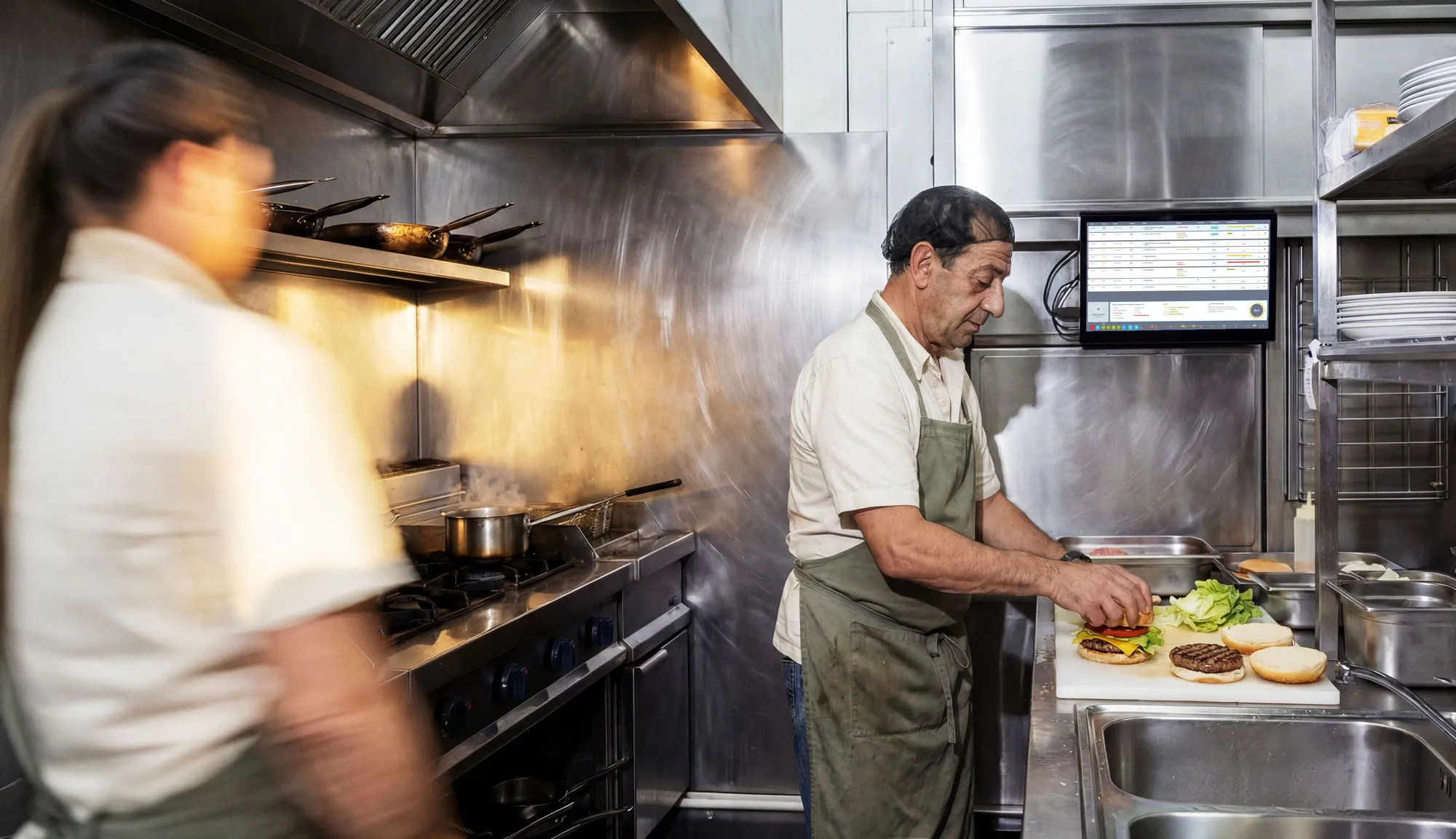
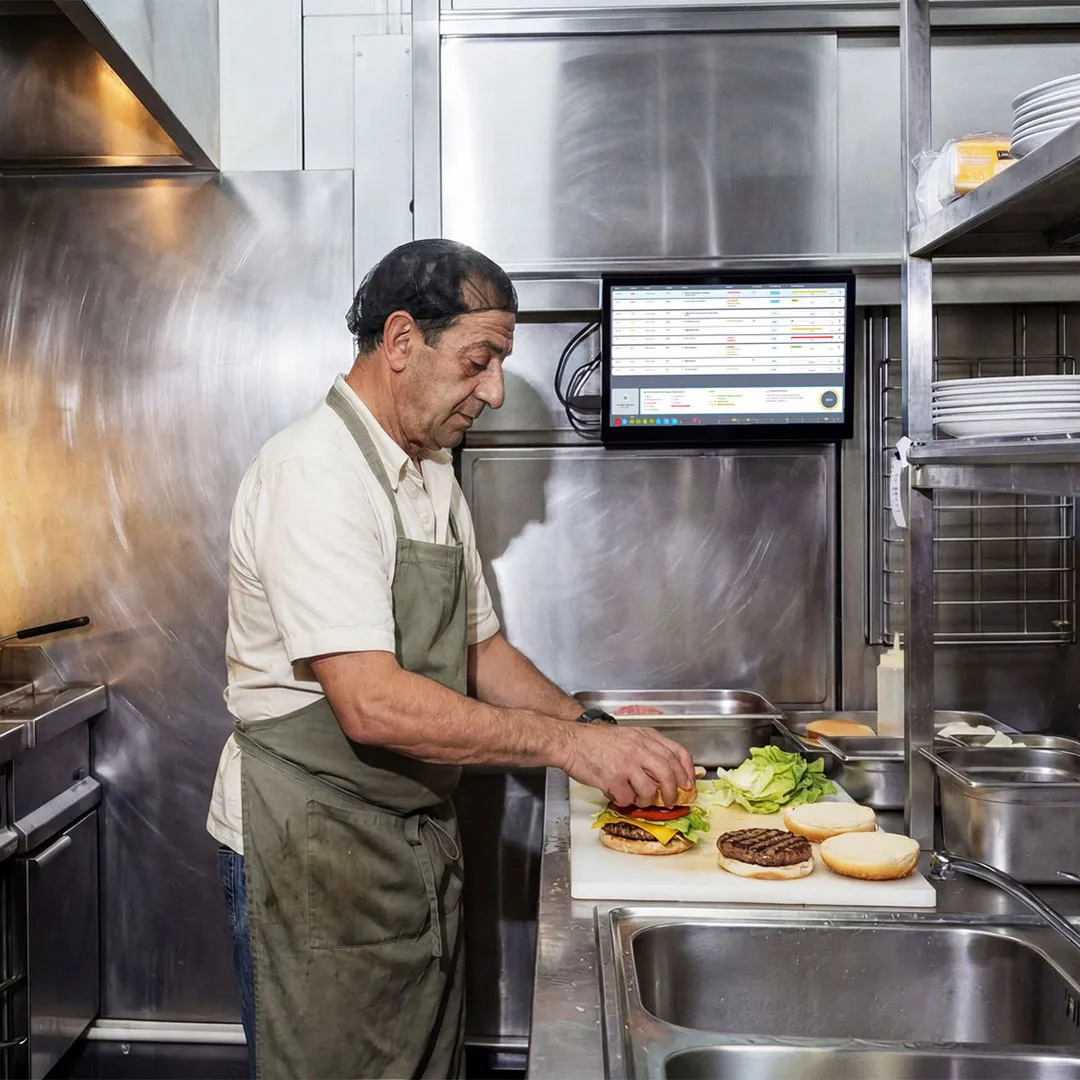
The SIDES Kitchen Manager is a digital kitchen monitor (KDS/kitchen display). It transmits orders in real-time from the POS system to the kitchen, controls all preparation stations, and ensures your team knows what to do next – without paper, without ticket printers, without misunderstandings.

Handwritten tickets, illegible orders, lost requests. Your team works against the clock instead of together.

Half of all orders need clarification. The noise level rises, and so does the error rate.

Identical items are prepared individually multiple times instead of being batched. This creates duplicate work, wasting time and energy.

Misunderstandings between front-of-house and kitchen lead to incorrect or incomplete dishes.

Without stored recipes, staff prepare dishes inconsistently. This leads to customer complaints.

Orders for the same delivery route are processed separately. Drivers wait, food gets cold.
From order acceptance to handover to drivers: The SIDES Kitchen Manager digitizes and automates every step in your kitchen. For less stress, fewer errors, & more output.

Transfer from POS system. All orders are automatically consolidated in the kitchen monitor – whether from the POS, webshop, or delivery portal. Your team sees in real-time what needs to be done, which orders have priority, and where bottlenecks are forming. This reduces chaos and ensures clear processes, even during peak hours. Fewer queries, less stress, more focus on production.
Transfer from POS system. All orders are automatically consolidated in the kitchen monitor – whether from the POS, webshop, or delivery portal. Your team sees in real-time what needs to be done, which orders have priority, and where bottlenecks are forming. This reduces chaos and ensures clear processes, even during peak hours. Fewer queries, less stress, more focus on production.
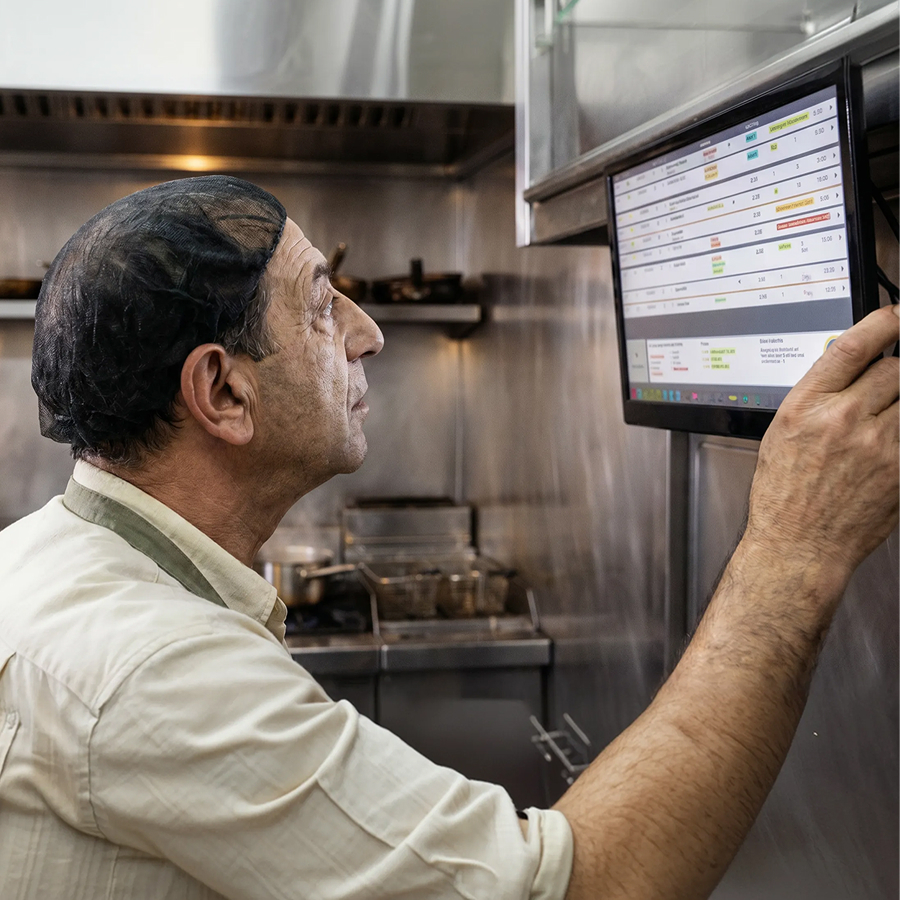
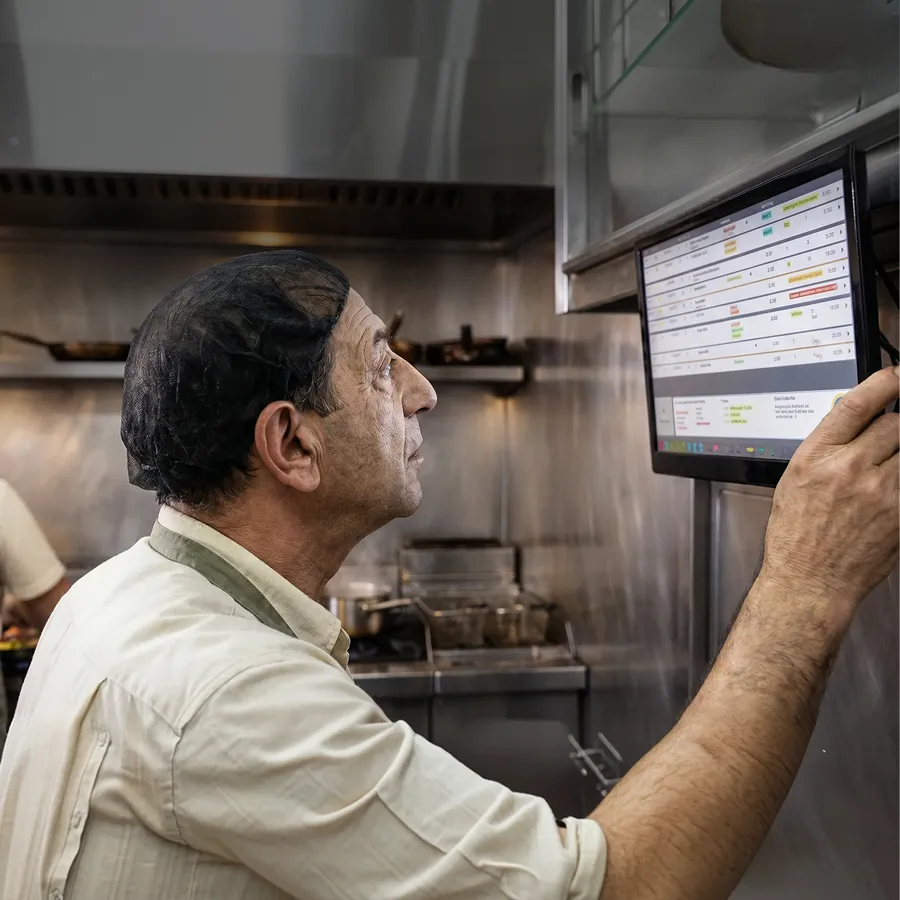
Order Overview. All active orders are displayed centrally and in real-time – including status and progress. Your team always knows when orders will be delivered and when drivers will arrive. Simultaneously, guests can track the status of their order live – via a customer display or digital interfaces. This reduces inquiries and ensures greater transparency throughout the entire process.
Order Overview. All active orders are displayed centrally and in real-time – including status and progress. Your team always knows when orders will be delivered and when drivers will arrive. Simultaneously, guests can track the status of their order live – via a customer display or digital interfaces. This reduces inquiries and ensures greater transparency throughout the entire process.

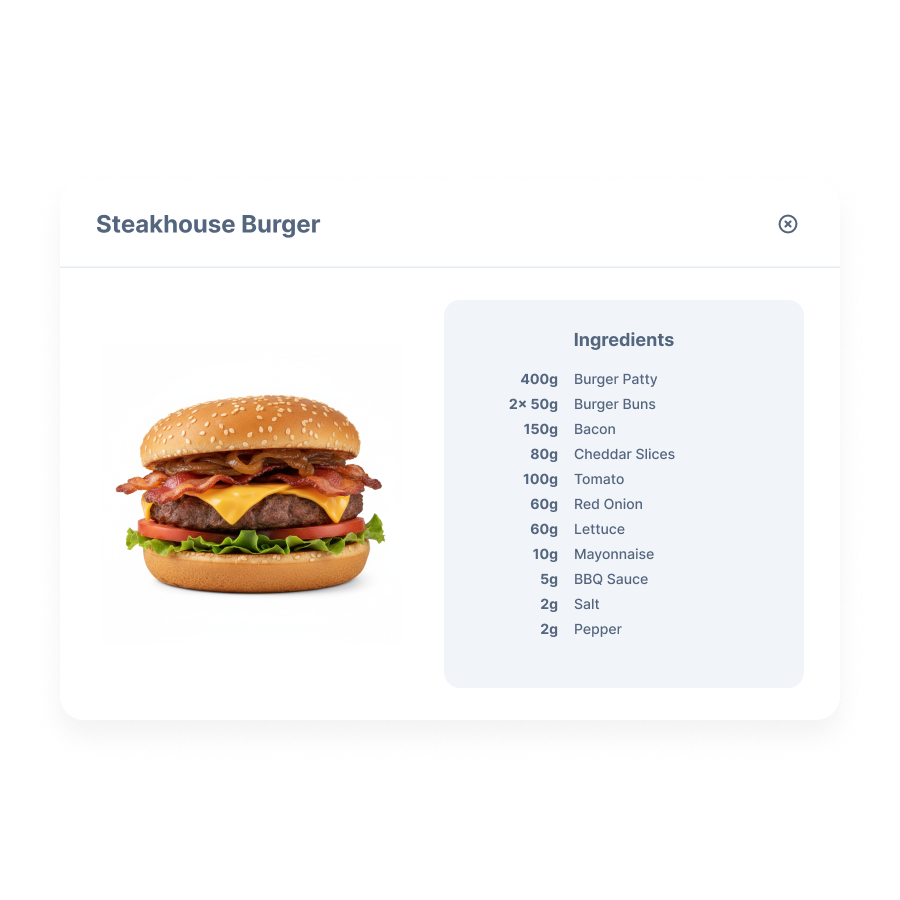
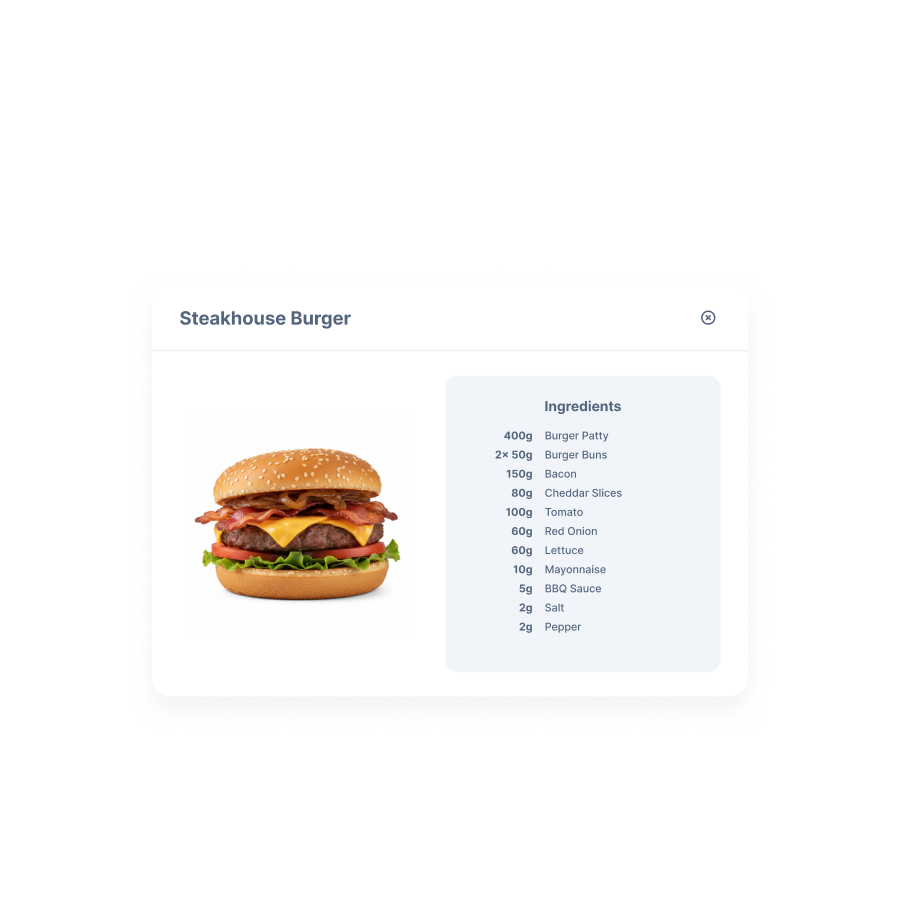
Define Recipes. Set clear recipes for each item in the system so your team always works to the same standard. This reduces errors, ensures consistent quality, and minimizes food waste. New employees are trained faster, and processes become predictable. This keeps your kitchen consistently efficient, even with high order volumes.
Define Recipes. Set clear recipes for each item in the system so your team always works to the same standard. This reduces errors, ensures consistent quality, and minimizes food waste. New employees are trained faster, and processes become predictable. This keeps your kitchen consistently efficient, even with high order volumes.
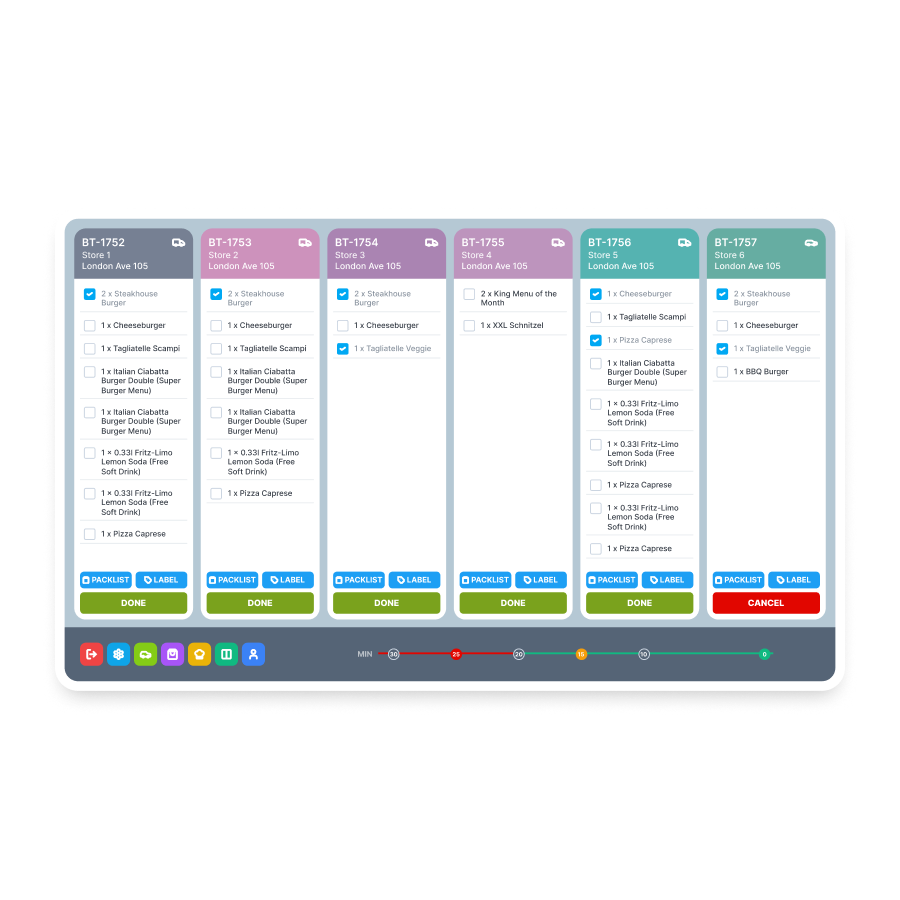
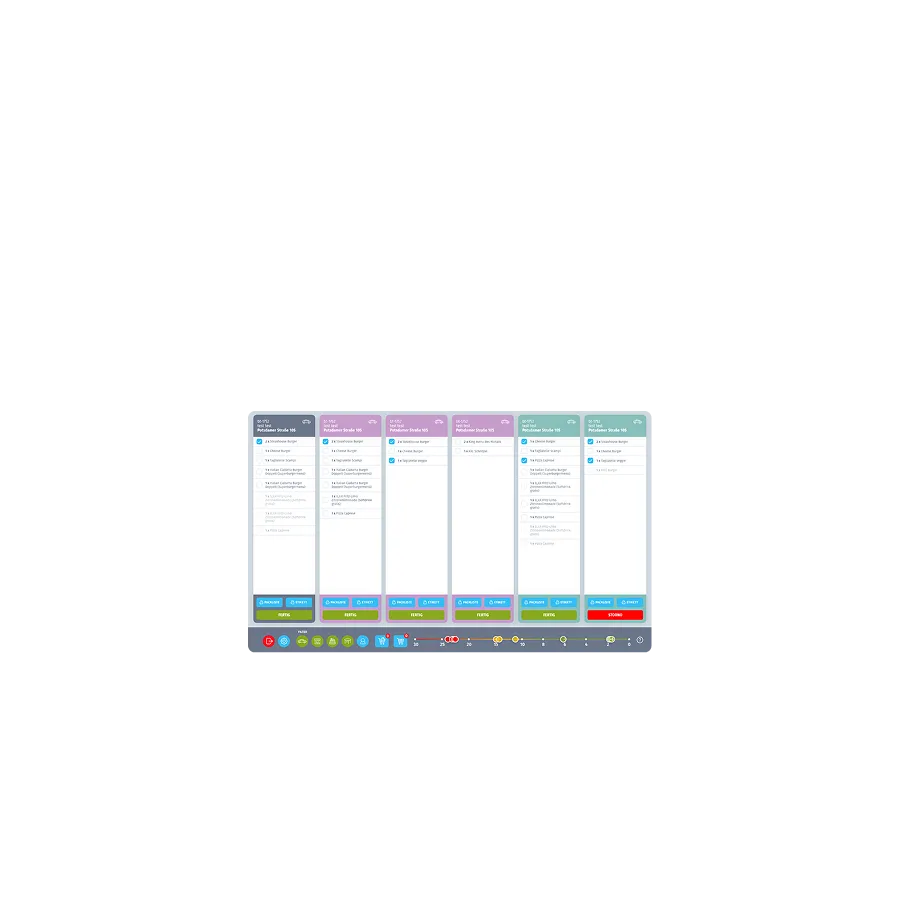
Order Grouping. Orders are intelligently grouped and prioritized. Identical products are produced together instead of individually multiple times. This allows you to use your stations more efficiently, save time, and increase output – without additional staff.
Order Grouping. Orders are intelligently grouped and prioritized. Identical products are produced together instead of individually multiple times. This allows you to use your stations more efficiently, save time, and increase output – without additional staff.
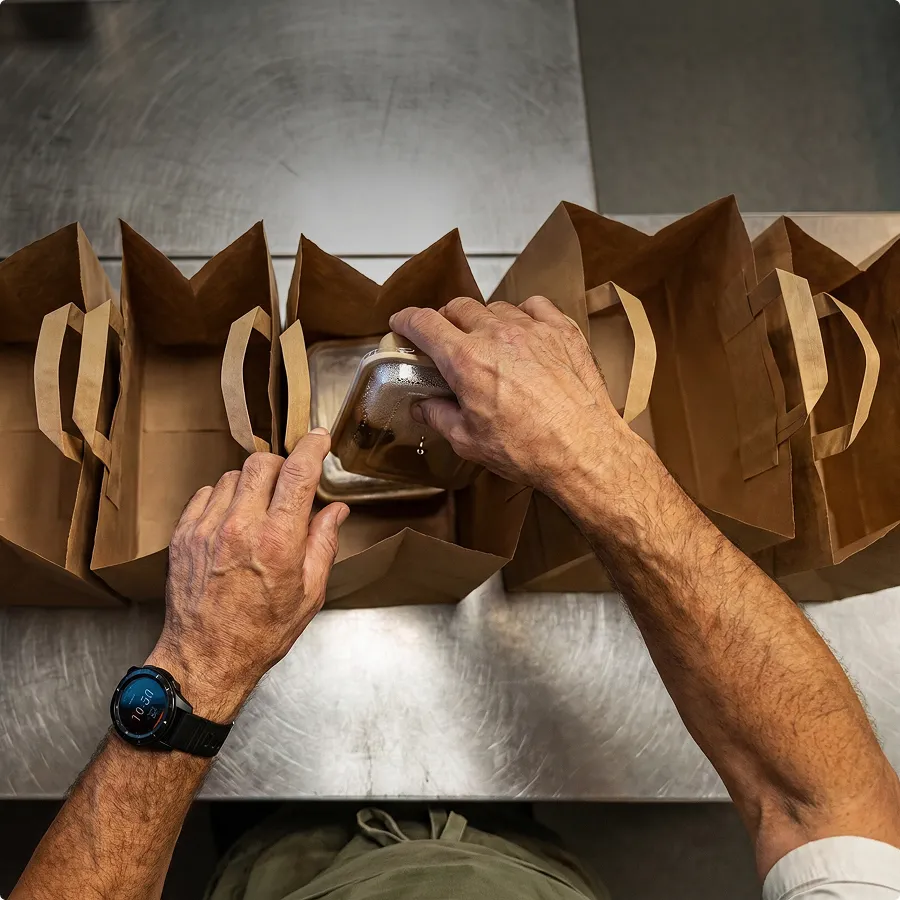
Optimized Delivery. Delivery orders are automatically bundled and optimally prepared for routes. Drivers receive structured handovers and clear routes. This significantly reduces waiting times and improves your delivery speed.
Optimized Delivery. Delivery orders are automatically bundled and optimally prepared for routes. Drivers receive structured handovers and clear routes. This significantly reduces waiting times and improves your delivery speed.
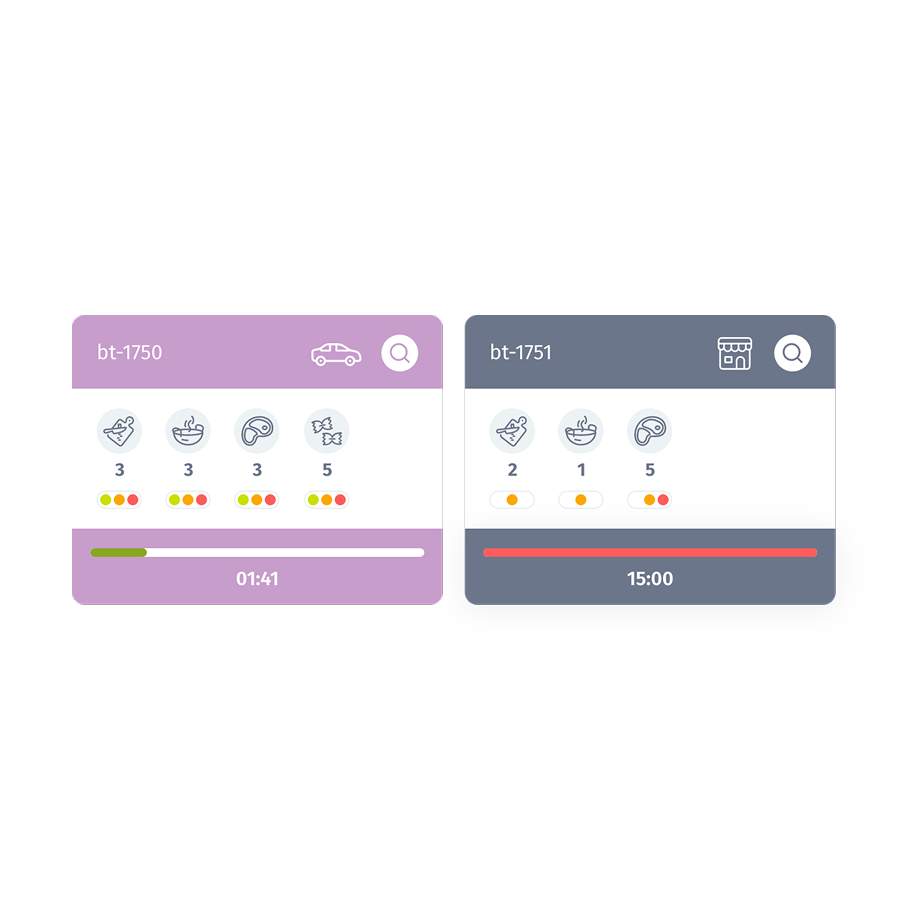
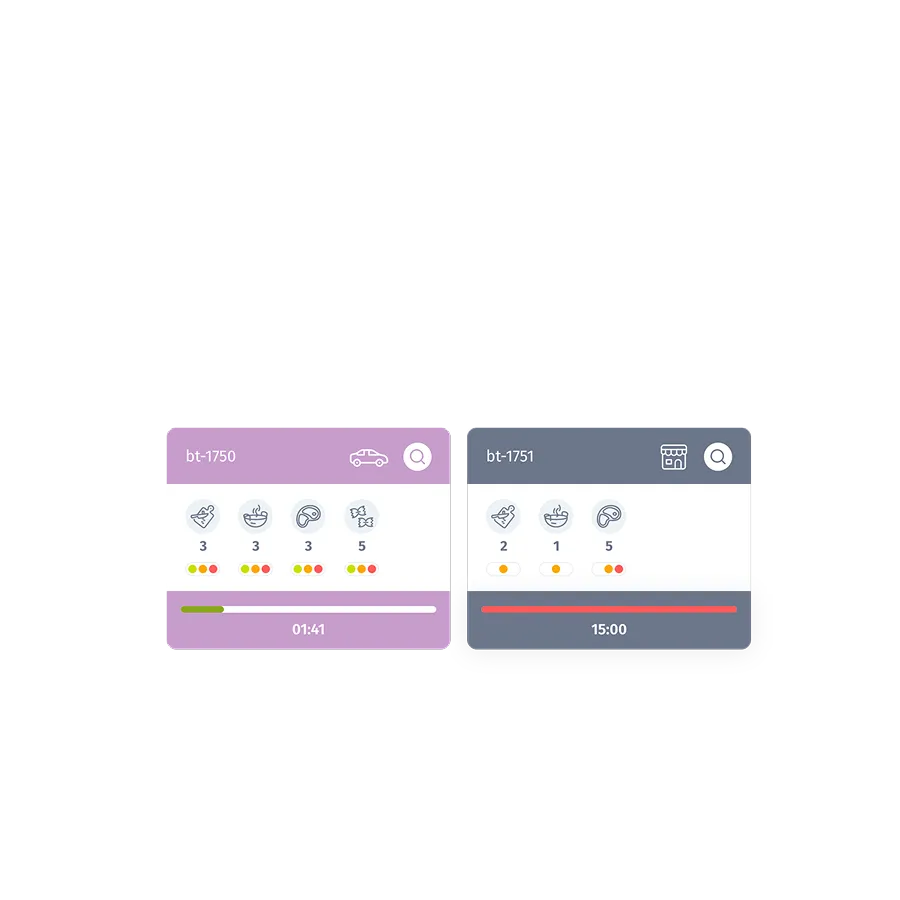
Set up kitchen stations. Every order is automatically assigned to the correct stations. You define individual workflows per dish or station. This way, every staff member knows exactly what to do next – no shouting, no confusion. This ensures speed, reduces coordination effort, and prevents errors.
Set up kitchen stations. Every order is automatically assigned to the correct stations. You define individual workflows per dish or station. This way, every staff member knows exactly what to do next – no shouting, no confusion. This ensures speed, reduces coordination effort, and prevents errors.
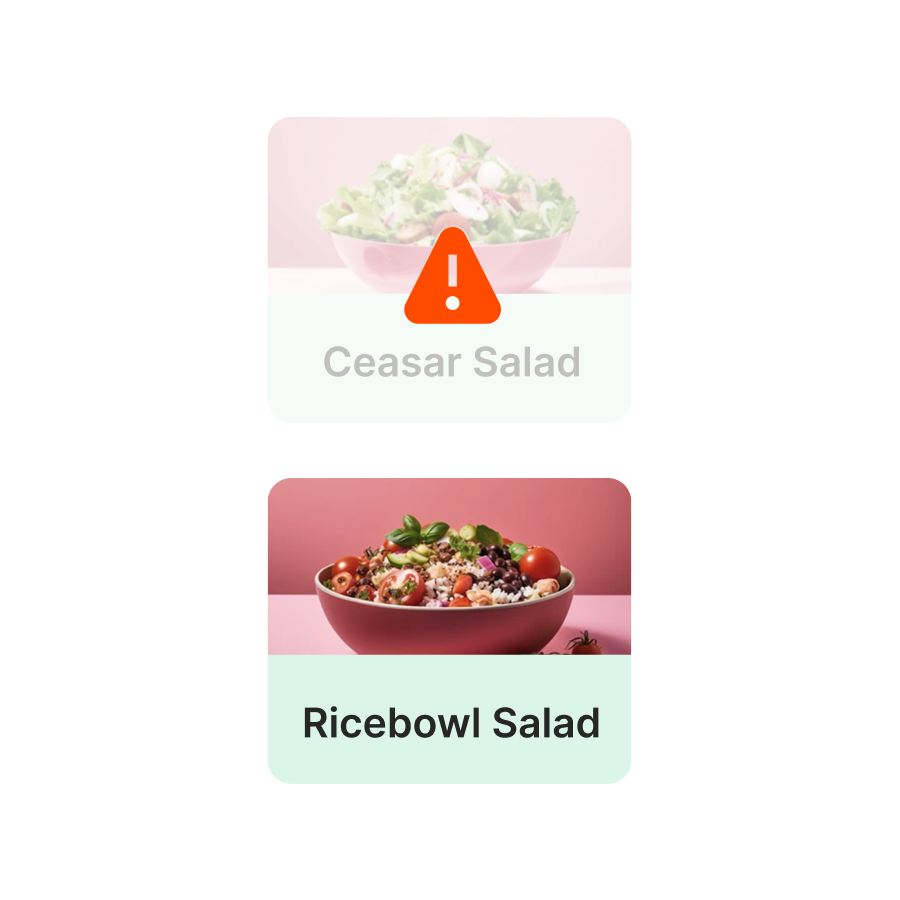
Sold Out Feature. Mark individual items as sold out in real-time – directly from the kitchen. This prevents orders from being placed for unavailable products. Your team saves time on inquiries and improvisation. At the same time, your offerings remain up-to-date across all channels.
Sold Out Feature. Mark individual items as sold out in real-time – directly from the kitchen. This prevents orders from being placed for unavailable products. Your team saves time on inquiries and improvisation. At the same time, your offerings remain up-to-date across all channels.
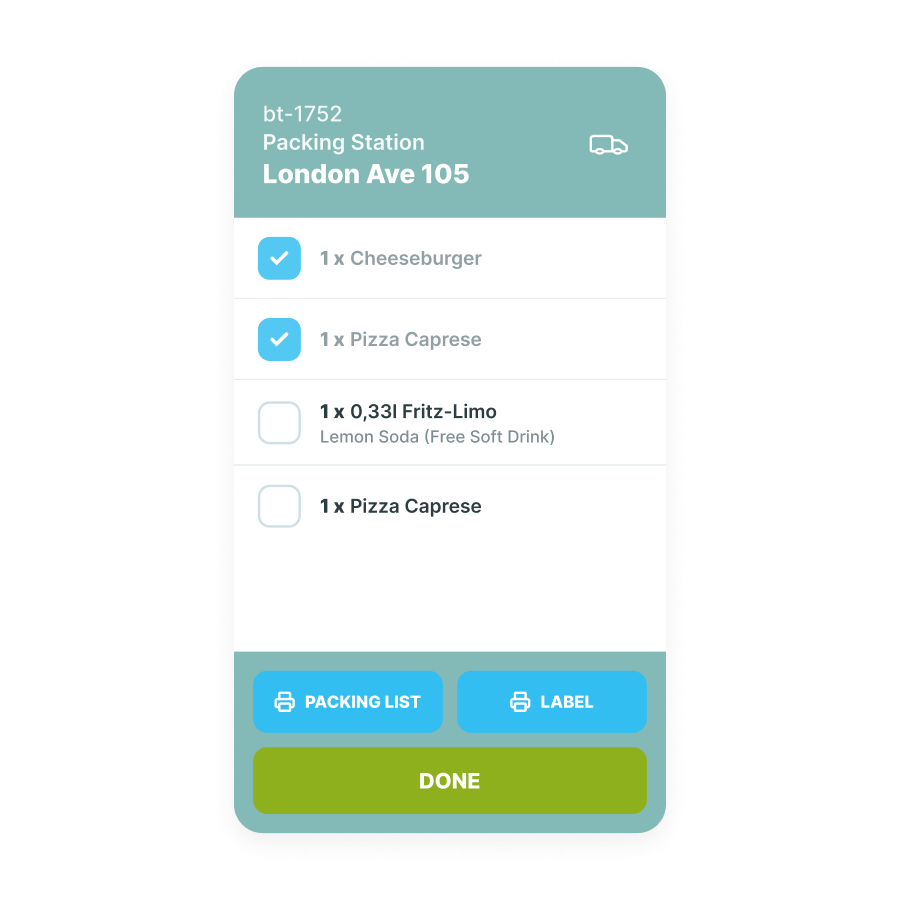
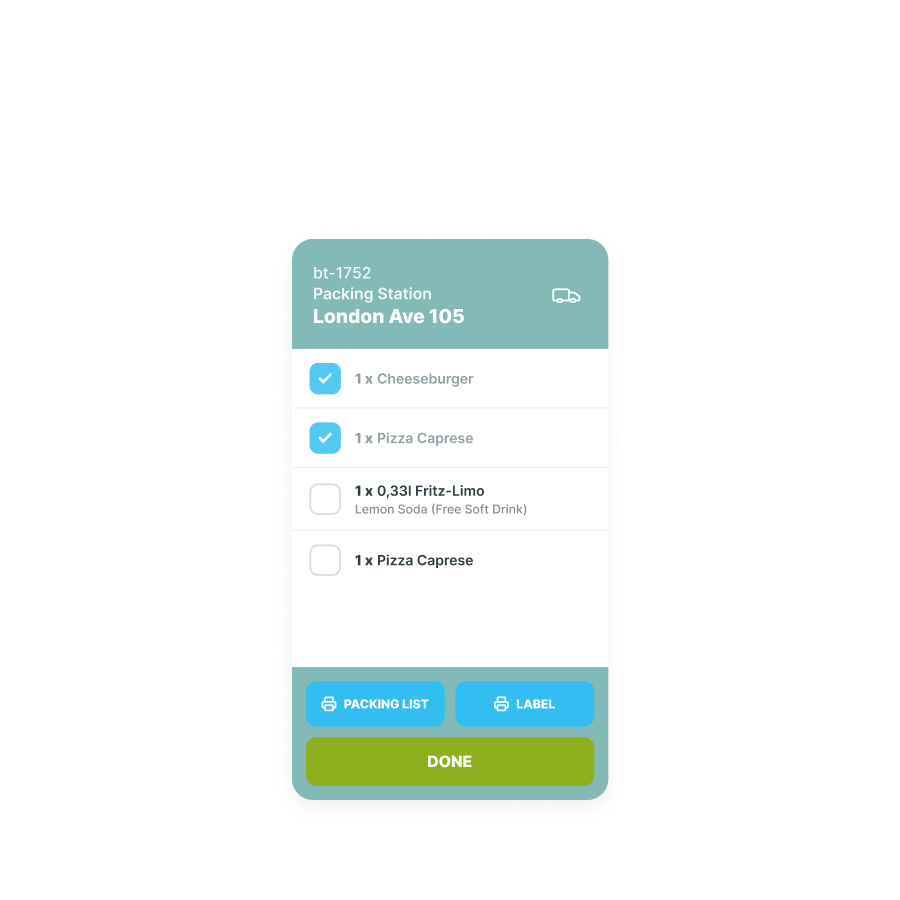
Packing Monitor. With the packing monitor, you ensure that every order goes out complete. All items are clearly displayed and processed step by step. Missing products or incorrect combinations are a thing of the past. This reduces complaints and ensures satisfied guests.
Packing Monitor. With the packing monitor, you ensure that every order goes out complete. All items are clearly displayed and processed step by step. Missing products or incorrect combinations are a thing of the past. This reduces complaints and ensures satisfied guests.

Analytics. The kitchen manager automatically records preparation times, bottlenecks, and workflows. You immediately see where processes are stalled or inefficient. This allows you to optimize staff planning and operations based on data, rather than intuition.
Analytics. The kitchen manager automatically records preparation times, bottlenecks, and workflows. You immediately see where processes are stalled or inefficient. This allows you to optimize staff planning and operations based on data, rather than intuition.
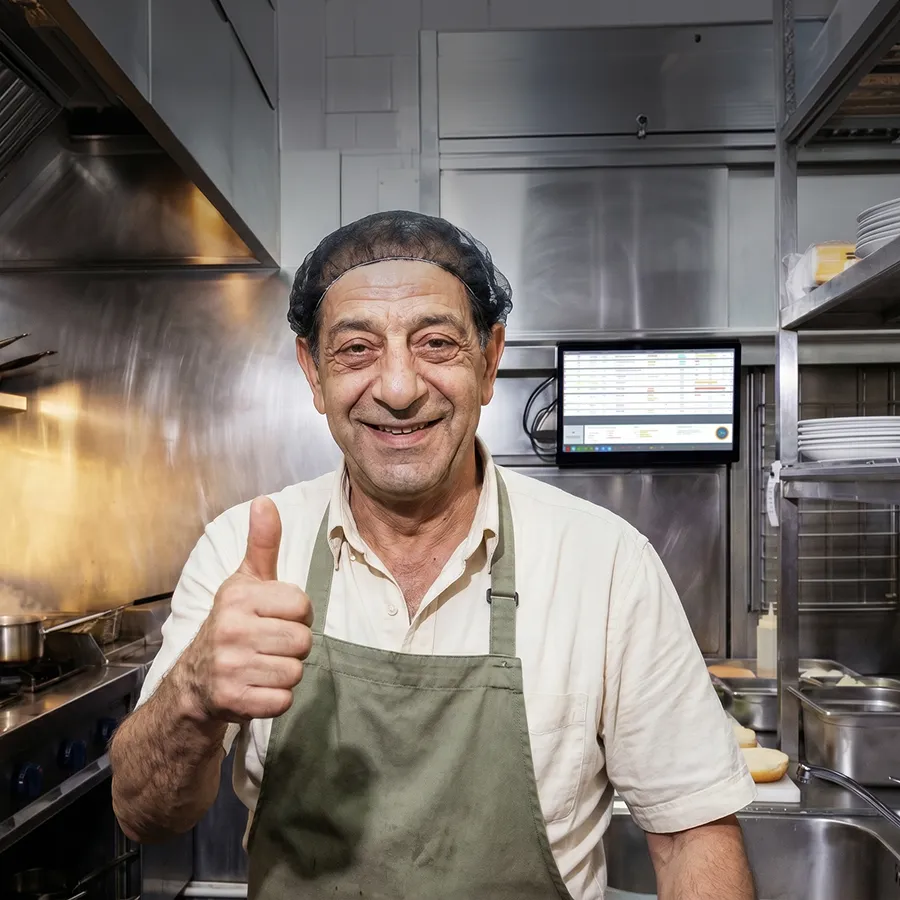
Fewer errors: Structured presentation with color coding, clear task distribution, and multilingual recipe display significantly reduces the error rate. Special requests and changes appear instantly on the correct screen. No more misunderstandings between service and kitchen. The result: fewer complaints and more consistent quality.
Fewer errors: Structured presentation with color coding, clear task distribution, and multilingual recipe display significantly reduces the error rate. Special requests and changes appear instantly on the correct screen. No more misunderstandings between service and kitchen. The result: fewer complaints and more consistent quality.
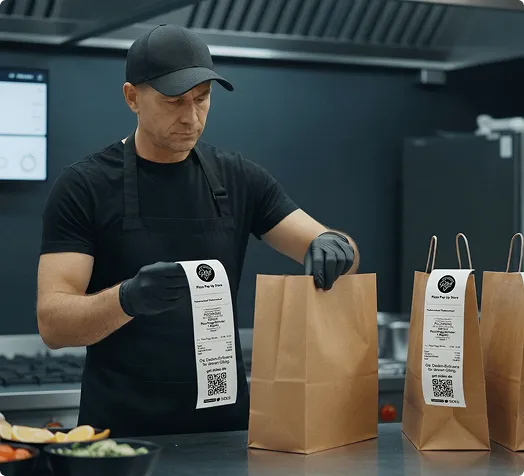
A kitchen printer prints a receipt – and that's it. A kitchen monitor (Kitchen Display System / KDS) displays every order in real-time, prioritizes automatically, and instantly adapts to changes – no new paper, no delays.
Order display
Status tracking
Changes & Special Requests
Prioritization
Recipe display
Sustainability
Multilingualism
Long-term costs
Printed once, then static
Not possible
New ticket required or verbal relay
Manually by chefs
Not integrated
Paper consumption
Not possible
Running costs (paper, ink rolls)
Real-time, updates automatically
Every order with progress indicator per station
Appear immediately on the display, no interruption
Automatically by order time and delivery route
Stored recipes per item directly on the monitor
Paperless, environmentally friendly
selectable
One-time integration, no consumption costs
Not included
Included
The SIDES Kitchen Manager is especially designed for restaurants that operate with high order volumes, many parallel channels, and short delivery times.
Multiple order channels: on-site, webshop & delivery platforms converge on the kitchen monitor. Orders for the same delivery run are automatically bundled.
Do you operate multiple brands from one kitchen? Separate orders by brand and station. Each virtual brand has its own workflow.
High frequency, short preparation times, standardized processes through recipe specifications and automatic station distribution.
The kitchen monitor enables standardized processes across all locations – with central control and clear workflows.

SIDES POS
Popular
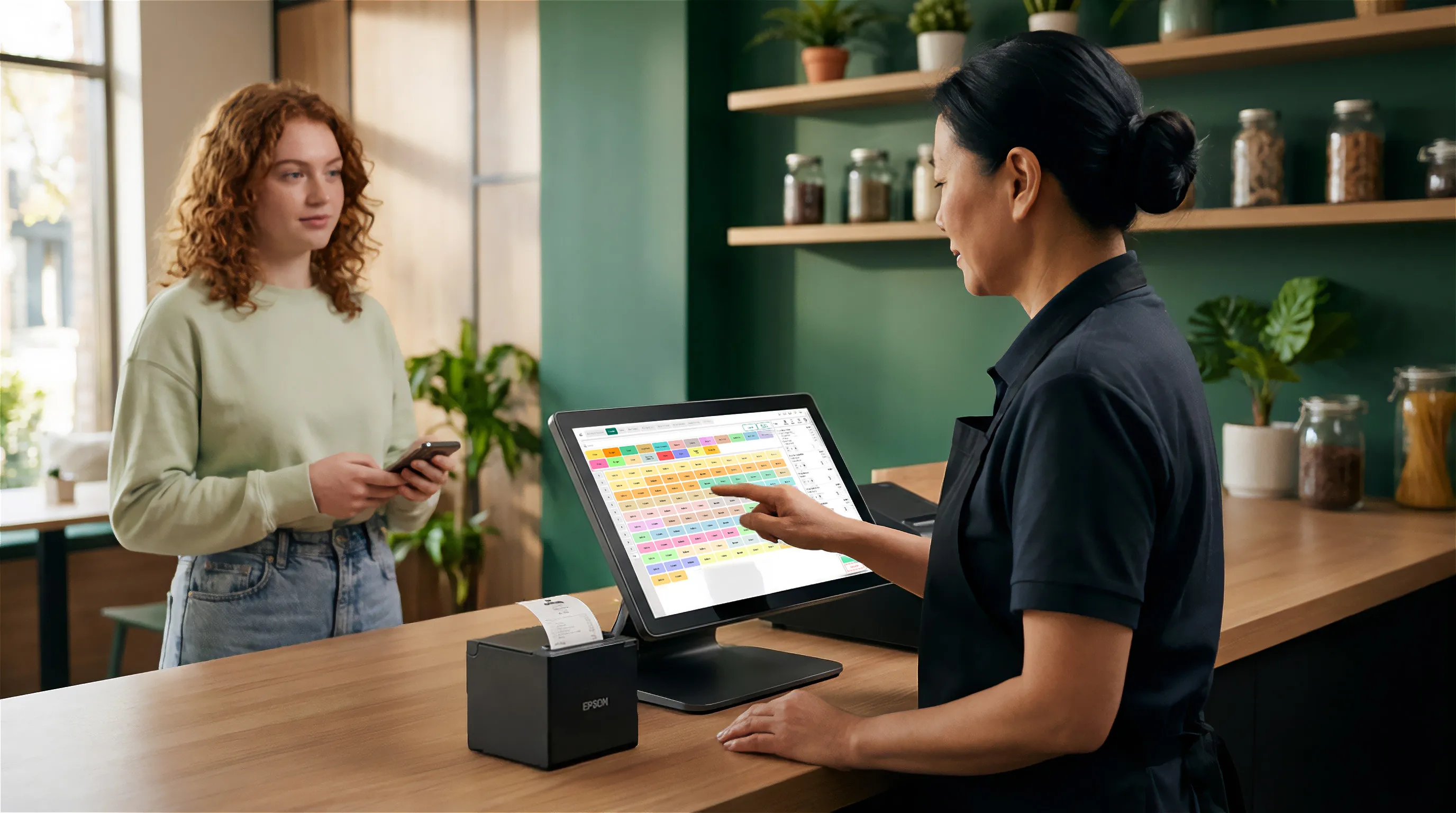
With the all-in-one POS system, you have orders, billing, kitchen, payment, and delivery all in one system – TSE-certified, 100% tax office compliant, and cloud-based.
.svg)
SIDES Goods
Popular
With the inventory management system, you have a complete overview of all goods movement in your restaurant. It provides transparency regarding stock levels, movements, and potential bottlenecks, and automatically synchronizes supplier prices and delivery times.
Great Value

Combine all services and save up to 20% with a bundle package.
FAQ
A kitchen monitor, also known as a Kitchen Display System (KDS), is a digital screen in the kitchen that receives orders directly from the POS system and displays them in real time. The SIDES Kitchen Manager is our KDS: it does more than just display orders—it actively manages stations, prioritizes tasks, stores recipes, and coordinates delivery routes, all within a single system.
The SIDES kitchen manager runs on standard tablets—iPads (iOS) and Android tablets—as well as professional kitchen monitors. You don't need any special hardware. Important: The kitchen manager works exclusively in combination with the SIDES POS system.
Yes. The SIDES Kitchen Manager can be configured individually for each location – with its own workstations, workflows, and display options. In combination with the SIDES Branch Management you have an overview of all kitchens and can define standards centrally.
A kitchen printer prints a receipt and that's it – it shows no status, cannot display changes, and constantly costs money for paper. The SIDES Kitchen Manager displays the status of every order in real time, updates automatically when changes are made, bundles orders for delivery routes, and is completely paperless.
Yes – that is exactly what it is designed for. Orders from the webshop, Lieferando, Wolt, Uber Eats, and the POS system on-site all converge centrally on the kitchen display system. Orders for the same delivery route are automatically combined so your team can work efficiently.
Yes. You can store recipes, preparation steps, and notes directly in the system for each item. These appear automatically on the monitor at the relevant station. This ensures consistent quality—and helps new staff become productive much faster.
The Kitchen Manager is a module within the SIDES system. The exact costs depend on your package and the number of locations. Get in touch with us directly – we will create a customized quote for you.
Get all information about SIDES software and its easy implementation.
See our restaurant software in action and discover the right solution for you during a no-obligation consultation.